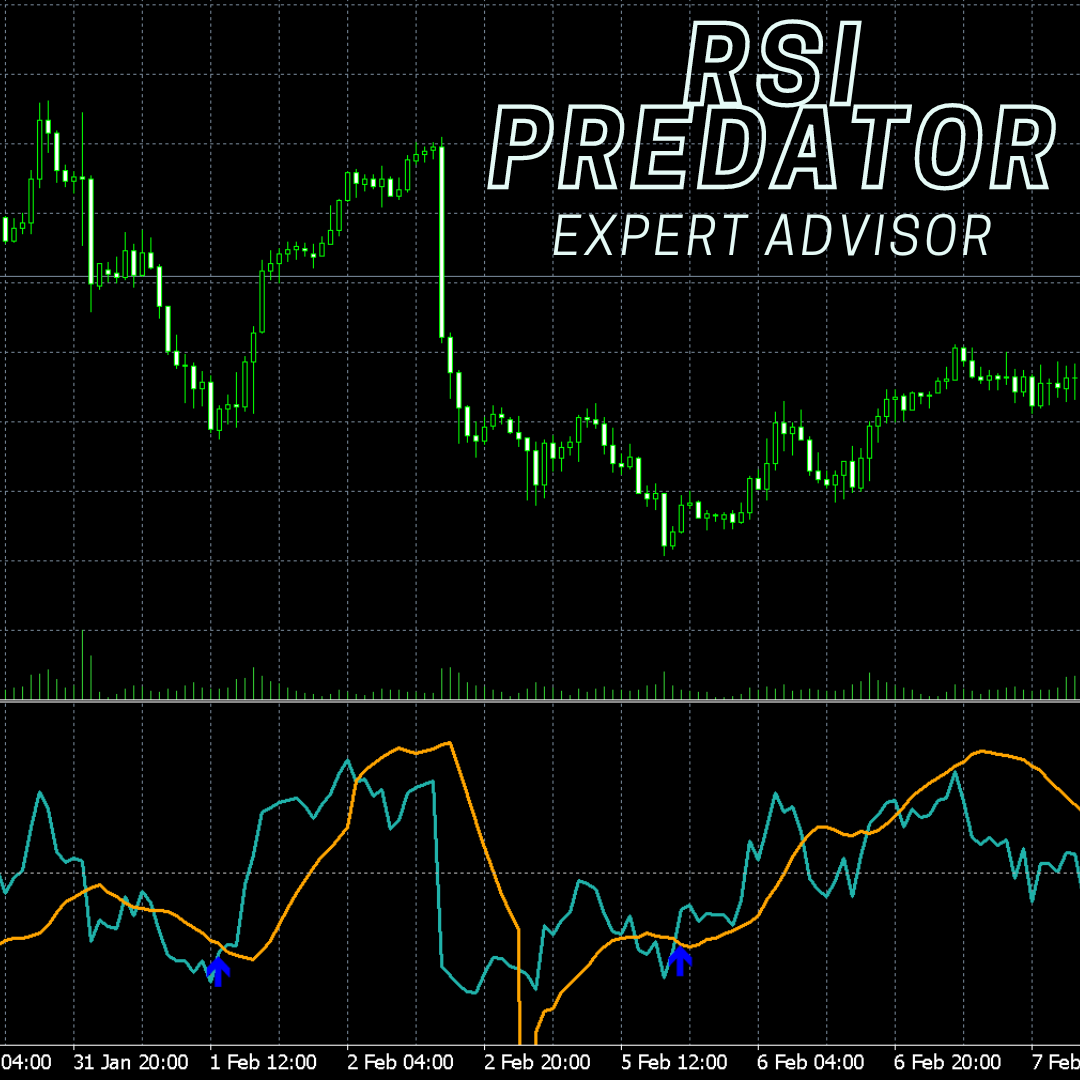
RSI Predator EA
In Stock
Product Video
Product Description
Expert Advisor version of the RSI Predator
Included Files
Purchase Required
Log in and purchase this product to access included files.
Additional Information
April 21st
- Added an option to choose between "User Input Stop Loss," which sets a stop loss based on the entry price and the user-input stop loss in pips, or "Recent High/Low," which sets the stop loss at the most recent high (for sells) and the most recent low (for buys).
- Added Grid Outscaling: https://discord.com/channels/979810664950423553/1218561655638720659/1227980641111511051
- Added an input for the Hedge stop loss.
- Added the "Make Profit Back" filter so that if the hedge hits stop loss, it will recover the loss plus the expected gain.
April 18th
- Added a toggle to choose between "RSI-Predator" or "RSI-Predator-Pro" as the trend indicator.
April 20th
- Updated the "RSI-Predator-Pro" trend to work as intended
April 18th
- Added a toggle to choose between "RSI-Predator" or "RSI-Predator-Pro" as the trend indicator.
April 4th
- Removed the ban from Ox Securities
April 2nd
- Updated the default settings to the current profitable settings
Use this EA on EURUSD on the 1 minute timeframe. When loading, hit "Reset" in the bottom-right corner of the EA inputs tab to ensure you are using the default settings.
March 9th
- Added in another Start time and Stop time
March 7th
- Added in Start time and Stop time
- Added in Buy/Sell RSI levels
March 6th
- 'Close Bot Trades' function update
March 4th
- Trailing Percent function update
February 26th
- fix array out of range error in the MT4 version
Summary of Each Input:
- API Key: Your full API key from your profile.
- Ping Pong: Determines trading order. When set to TRUE, after taking a buy setup, the system will next take a sell setup, and alternate thereafter. If FALSE, setups can be taken in any order, without regard to sequence.
- Risk: Specifies the risk per trade as a percentage.
- TP in %: The take profit threshold as a percentage. Trades are closed once your account profit reaches this specified percentage.
- Stop Loss: Defines the stop loss for each trade.
- Magic Number: A 6-digit identifier used by your broker to recognize your trades.
- RSI Period: Specifies the period for the RSI indicator.
- RSI Applied Price: Indicates the price used for the RSI indicator.
- Max Candles to Calculate: The number of candles the machine learning model uses for making predictions.
- Use Martingale: Determines whether to use martingale strategy. Set to FALSE to avoid martingale; TRUE activates martingale based on the settings that follow.
- Martingale if Hedge Opened: If TRUE, martingale strategy continues even when a hedge position is open.
- Pips Start: The activation point, in pips, from the initial order for martingale or hedging.
- Pips Step: Determines the increment, in pips, for placing additional orders as the market moves oppositely.
- Max Trades: The maximum number of martingale trades allowed.
- Order Multiplier: The lot size of the subsequent trade is the current trade's lot size multiplied by this value.
- Use Trailing Percents: When TRUE, the system monitors your profit based on the settings below.
- Start: The EA sets a mental stop loss percentage once profit reaches this percent.
- Step: The mental stop loss percentage increases incrementally with profit by this value.
- Stop: The initial mental stop loss percentage.
- Use Hedge: If TRUE, activates hedging based on the settings below.
- Start Hedge (Pips): The drawdown value, in pips, at which a hedge is placed.
- Hedge Multiplier: The lot size for the hedge is the sum of your current lot sizes multiplied by this value.
Price
$497.99